


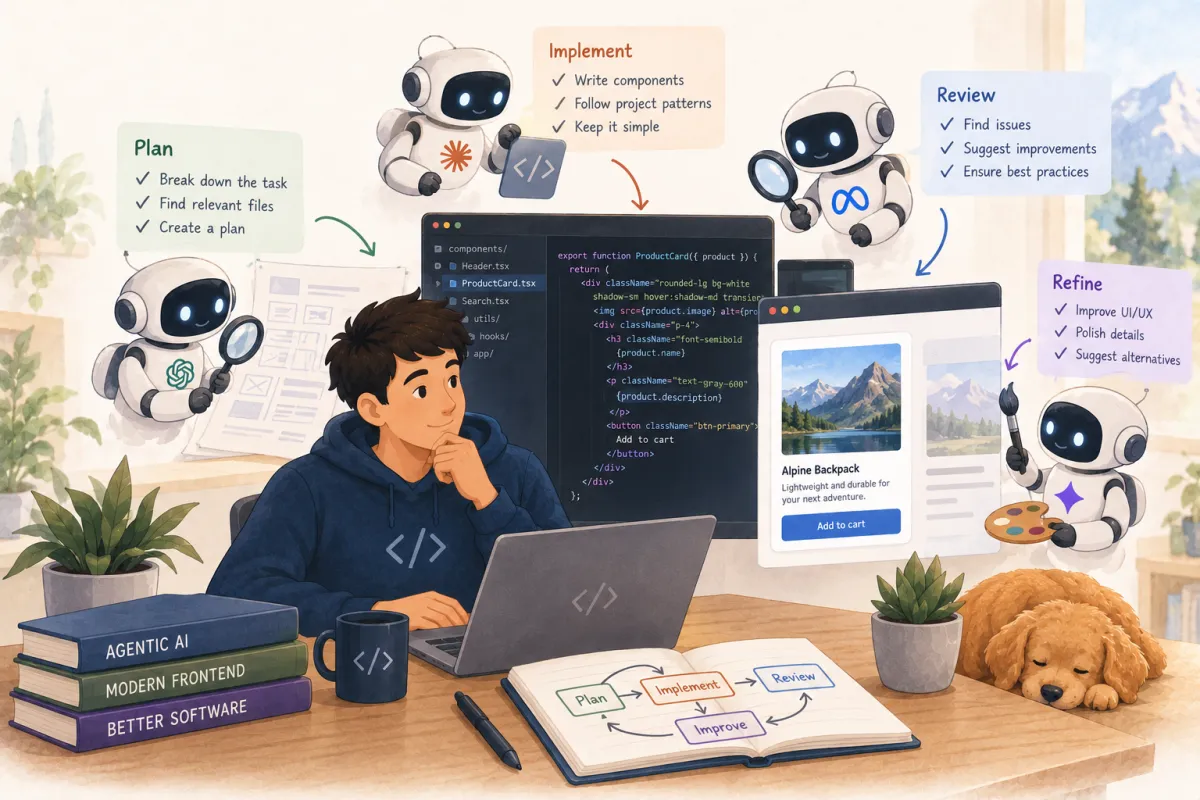
This post is different from my usual writing. I'm not going to walk you through something I shipped. Instead, I want to explore what's actually happening with agentic AI in frontend development right now — what tools exist, what teams are doing with them, and where I think the real opportunities are. Consider this a scouting report.
My starting point was simple: I connected Claude Code to a Figma MCP server. That one connection — an AI coding agent that could see my design files — changed how I think about the entire frontend workflow. It made me wonder: what else can agents see? What else can they do? So I dug in.
The MCP Layer: Giving Agents Eyes and Hands
MCP — Model Context Protocol — is the piece that turns a coding assistant into something closer to a developer. Without it, your AI can write code, but it's blind. It can't see your designs, your component library, your browser output, or your test results. With the right MCP servers connected, it can see all of those things.
The Figma MCP server was my entry point. It gives the agent direct access to design data — variables, components, layout, and even a React + Tailwind code representation. You select a frame in Figma, the MCP server extracts the design tokens and layout, and the agent generates components from real design context instead of guessing from a screenshot. It replaces the old copy-from-inspect workflow. The output isn't production code — it's scaffolding — but it's scaffolding that already uses your actual design tokens and spacing.
But Figma MCP is just one piece. The ecosystem that's forming is more interesting than any single server. Storybook shipped an MCP server in version 10.3 that lets agents look up your existing components, their props, and their stories before writing new code. Google launched Chrome DevTools MCP — agents can now inspect the DOM, analyze network requests, read console errors, and take screenshots of the running app. Microsoft's Playwright MCP exposes browser automation for E2E testing. And Context7 feeds agents current framework documentation, preventing the common failure where an agent mixes patterns from Next.js 13 and 15.
The practical stack that's emerging: Figma MCP for design, Storybook MCP for your component library, Chrome DevTools MCP for debugging, Playwright MCP for testing, Context7 for framework docs. Connect all five and your agent goes from a code-writing assistant to something that can see the design, check what already exists, generate code, verify it in the browser, and write tests. That's not a toy. That's a workflow.
PR Reviews That Understand Context
Automated PR review is one of the most mature agentic use cases in frontend. The tools have moved past the "glorified linter" stage. CodeRabbit has reviewed over 13 million PRs across 2 million repos — it runs 40+ built-in linters and generates contextual suggestions for TypeScript, React, and the rest of your stack. Greptile takes a different approach: it builds a knowledge graph of your codebase first, then reviews with architectural context. It catches more bugs but generates more false positives — the classic precision-recall trade-off.
What these tools actually catch for frontend teams: missing error handling, unused imports, type inconsistencies, and obvious React anti-patterns like missing dependency arrays in useEffect hooks. What they don't reliably catch: rendering performance issues, incorrect memoization strategies, or subtle state management bugs. The judgment calls — whether this component should be split, whether this abstraction is premature, whether this data flow will confuse the next developer — still need a human.
But here's what excites me: these tools are getting better at understanding your project's conventions, not just generic best practices. When your AI reviewer knows your codebase — your folder structure, your naming patterns, your component boundaries — it can enforce consistency at a level that's hard for a human reviewer to match across dozens of PRs per week.
Beyond ESLint: Enforcing Architecture with Agents
This is the area I find most interesting for senior engineers and tech leads. Traditional linting catches syntax and formatting issues. Architectural enforcement — "don't put business logic in components," "every API call goes through the service layer," "shared state must use this specific pattern" — has always relied on code review and tribal knowledge. That's changing.
The pattern that's emerging: you define constraints in machine-readable files (CLAUDE.md, AGENTS.md, Architecture Decision Records), the agent writes code following those rules, and deterministic CI checks block violations. The agent then auto-fixes its own violations without developer intervention. A tool called Archgate turns ADRs into executable rule files that run in CI — a failing check blocks merges. The agent consults the rules before writing code, so most violations never make it to the PR.
What makes this powerful for frontend teams specifically: you can enforce component patterns (smart vs. dumb), module boundaries (no cross-feature imports), state management conventions, and accessibility standards — all as executable rules rather than wiki pages that nobody reads. The linter remains the enforcement layer. The agent is the authoring layer that follows constraints and self-corrects. The combination is more effective than either alone.
I was already thinking about using agents for linting enforcement before I started researching this article. Now I'm convinced it's one of the highest-leverage things a frontend team can invest in. Write your architectural rules once, give them to your agents and your CI pipeline, and stop having the same PR review comments for the tenth time.
Framework Migrations: Where Agents Already Outperform
If there's one area where agentic AI has proven its value beyond doubt, it's framework migrations. The numbers from real teams are striking. ZoomInfo migrated 938 files from Angular to React using a fleet of 15 agents coordinated by a lead agent. One engineer, one week. The estimate for doing it manually: six months with four or five engineers. mgm technology partners migrated a SvelteKit app to Next.js with a four-stage agent pipeline — analyst, planner, implementer, validator — and completed it in 10 person-days versus an estimated 200 to 250.
The architecture of these migrations matters. ZoomInfo used one Claude Opus agent as a "team lead" coordinating 15 Claude Sonnet workers — 10 for implementation, one for unit tests, one for E2E tests with Playwright, two for code review, and one for parity auditing. mgm matched models to tasks: Opus for planning, Sonnet for implementation, Haiku for validation — reducing cost by roughly 80% on the review layer.
But the failure modes are instructive. Agents that translate code line-by-line between frameworks produce broken output — a SvelteKit reactive statement doesn't have a 1:1 React equivalent. The teams that succeeded treated migration as a rebuild from a functional blueprint, not a translation. Agents also stumbled on edge cases: memory leaks in async tests, over-engineered state management, and infinite transformation loops. The consistent finding is that agents handle the first 80% dramatically faster than humans. The last 20% — edge cases, performance tuning, architectural judgment — still requires experienced engineers.
There's an interesting counterpoint from the codemod community: for known patterns, deterministic AST transforms are more reliable and cheaper than AI. The React Summit 2026 talk "Where We're Going, We Don't Need Tokens" argues that asking an AI to refactor 200 files burns tokens and sometimes hallucinates, while a codemod does it perfectly for free. The practical approach is to use codemods for known patterns and AI for writing custom codemods for patterns unique to your codebase.
Design-to-Code: Honest Assessment
The design-to-code space — v0, Lovable, Bolt, screenshot-to-code — gets a lot of attention. Here's the honest take after looking at what teams actually ship with these tools. v0 by Vercel produces the cleanest React + Tailwind components. It's a frontend specialist, and it's genuinely good for generating UI scaffolding that slots into an existing Next.js project. Lovable is the most complete end-to-end option if you want a working MVP with auth and database. Bolt excels at iteration speed in its browser IDE.
None of them produce code you would ship without review. v0's output is closest to production quality for UI components. Lovable and Bolt produce functional apps that need architectural cleanup, security review, and performance optimization before they touch production. All of them work best as accelerators for the first 70-80% of implementation — the scaffolding that gets you to the interesting decisions faster.
The bigger shift, though, isn't in standalone tools. It's in the Figma MCP + coding agent workflow. When your agent can read your actual design system, see your existing components in Storybook, and verify its output in a real browser through DevTools MCP, the design-to-code pipeline becomes contextual rather than generic. That's the direction I'm most excited about.
The 80/20 Reality
Across every use case I researched — PR reviews, migrations, design-to-code, architectural enforcement — the same pattern emerges. Agents accelerate the first 70-80% of frontend work dramatically. The last 20-30% — edge cases, performance, accessibility, architectural judgment — still requires human expertise. Anthropic's own data confirms this: developers use AI in roughly 60% of their work but can fully delegate only 0-20% of tasks.
This isn't a limitation to be frustrated by. It's the operating model to design for. The teams getting the best results are those investing in machine-readable constraints — typed interfaces, enforced linting rules, CI gates, documented conventions — that guide agent behavior. They're not trying to prompt their way to quality. They're building guardrails that make the 80% reliable and the 20% obvious.
For accessibility specifically, this is critical. AI agents can run WCAG checks and triage violations, but automated detection covers only about 60-70% of accessibility issues. The remaining issues — context-dependent labeling, focus management, screen reader flow — require human testing. With the European Accessibility Act now in effect and US ADA lawsuits exceeding 4,600 per year, treating accessibility as an "AI will handle it" problem is a liability, not a strategy.
What I'd Try Next
Based on everything I've explored, here's what I think is highest-leverage for a frontend team today. First: connect your coding agent to Figma MCP and Storybook MCP. The immediate payoff is that the agent stops generating components that already exist and starts building on your actual design system. Second: add an AI PR reviewer — CodeRabbit is the safest bet for breadth, Greptile if you want deeper architectural awareness and can tolerate more noise.
Third — and this is the one I'm most excited about: write your architectural rules as executable constraints. Not a wiki page. Not a Confluence doc nobody reads. Actual rules in CLAUDE.md or ADR files that your agent consults before writing code and your CI pipeline enforces after. Component boundaries, import restrictions, state management patterns, accessibility requirements. Make them machine-readable and you stop relying on code review to catch the same violations every sprint.
Fourth: if you have a migration on the roadmap — framework upgrade, library swap, design system overhaul — run a pilot with an agent fleet. The ZoomInfo and mgm results suggest that a well-structured agent pipeline can compress months of migration work into days. The key word is well-structured: you need clear stages, model-appropriate task assignment, and human oversight on the tail of edge cases.
We're not at the point where you hand an agent a Jira ticket and walk away. But we're well past the point where agents are just autocomplete. The frontier is in the connective tissue — the MCP servers, the architectural rules, the CI integrations — that turn isolated AI tricks into a coherent development workflow. That's where I'm investing my attention, and I think it's where the biggest returns are for any frontend team willing to experiment.